How to build a website from scratch in 2026
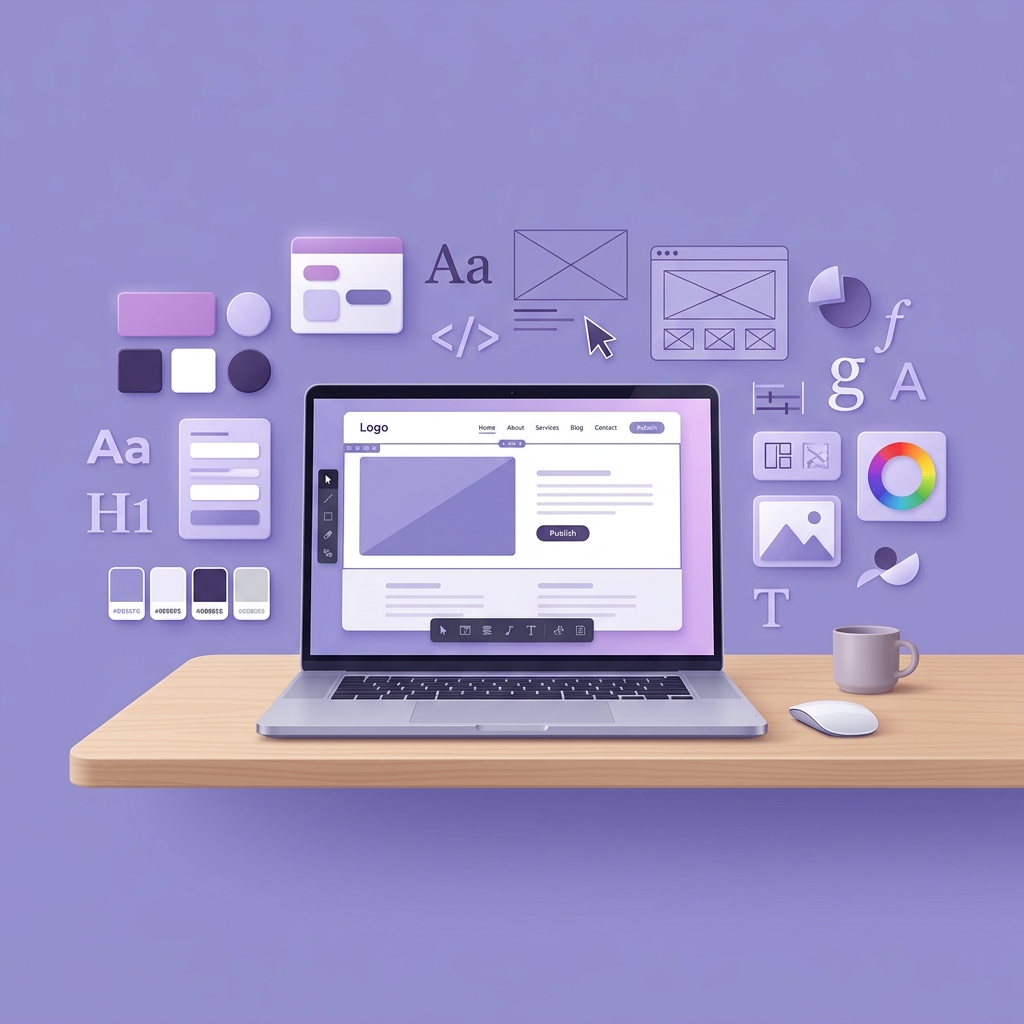
Building a website from scratch used to mean months of coding, expensive developer fees, and endless frustration. Today, establishing a professional online presence is faster and more accessible than ever. Whether you are launching a personal portfolio, a bustling ecommerce store, or a corporate landing page, the fundamental steps to building a successful website have been radically simplified.
With powerful all in one platforms like Bizvistar, you no longer need to piece together separate hosting providers, security certificates, and clunky plugins. Everything you need is seamlessly integrated into a single ecosystem. This guide will walk you through the exact process of taking your idea from a blank canvas to a fully functioning, beautiful website that attracts customers and drives growth.
From selecting the perfect domain name to customizing your digital storefront and optimizing for mobile screens, we have broken down the entire journey into clear, actionable steps. Let us dive into the ultimate blueprint for building your website in 2026.
- TL;DR: The website building process
- 01. How to choose a domain name
- 02. How to customize your website template
- 03. Adding essential features and tools
- 04. Launching and maintaining your site
- 05. SEO and Marketing Best Practices
- Building a website FAQ
TL;DR: The website building process
If you want to get online fast, the process is straightforward: secure a memorable domain name, pick a professionally designed template that fits your industry, and replace the placeholder content with your own text and images. With a platform like Bizvistar, technical details like SSL security and mobile optimization are handled automatically in the background.
The key to success is preparation. Before you start dragging and dropping elements, have a clear understanding of your brand identity, your target audience, and the primary goal of your website. A well planned strategy ensures your design choices will actively support your business objectives.
Launch Faster, Stress Free:
"Skip the coding headaches. With Bizvistar, you can go from an idea to a fully launched website in less than a day."
Start Building NowWebsite building phases (and how Bizvistar simplifies them)
| Phase | Traditional Approach | The Bizvistar Advantage |
|---|---|---|
| Foundation | Buying hosting and SSL separately. | Premium cloud hosting and SSL are built in automatically. |
| Design | Hiring UI/UX designers for custom mockups. | Access a library of beautiful, high converting templates instantly. |
| Development | Writing HTML, CSS, and backend code. | Visual drag and drop editor requires zero coding skills. |
| Mobile Optimization | Writing custom media queries for devices. | Templates automatically adjust perfectly to mobile screens. |
| Ecommerce | Installing complex payment plugins. | Native checkout systems and secure payment gateways integrated. |
01. How to choose a domain name
Your domain name is your digital address. It is how customers find you, remember you, and share your business with others. Choosing the right name is critical for branding and search engine visibility. Here are the top ten rules for securing the perfect domain.
How to choose a domain name
Choose a generator
Use a domain name generator for quick and creative brand ideas.
Keep it short
Shorter names are easier to remember and look better on marketing materials.
Make it easy to type
Avoid complex spelling that could lead customers to the wrong website.
Avoid numbers & dashes
Numbers and hyphens cause confusion when spoken aloud.
Stay on brand
Ensure your domain aligns perfectly with your overall brand identity.
Include keywords
Relevant keywords can give you a slight boost in search engine rankings.
Pick the right extension
Choose popular extensions like .com or regional ones like .in for local trust.
Plan for the long term
Do not pick a name so specific that it limits your future business growth.
Check its availability
Verify that the name is not already trademarked or heavily used.
Register your domain
Lock it in immediately through a registrar before someone else takes it.
02. How to customize your website template
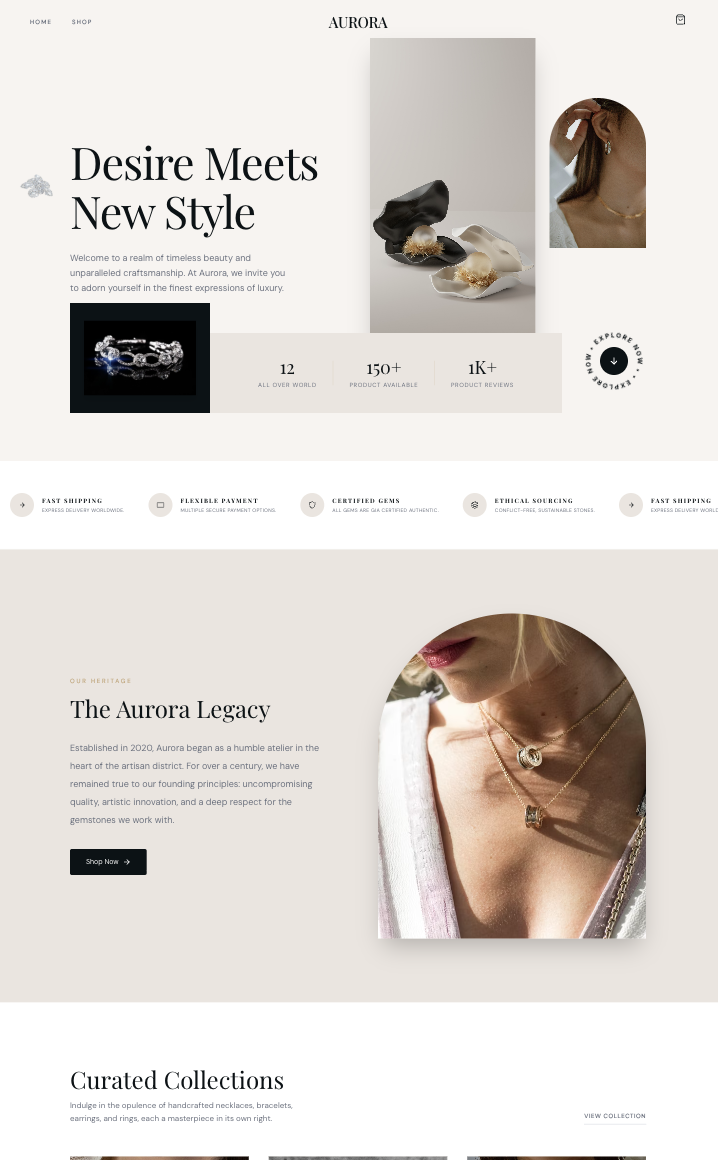
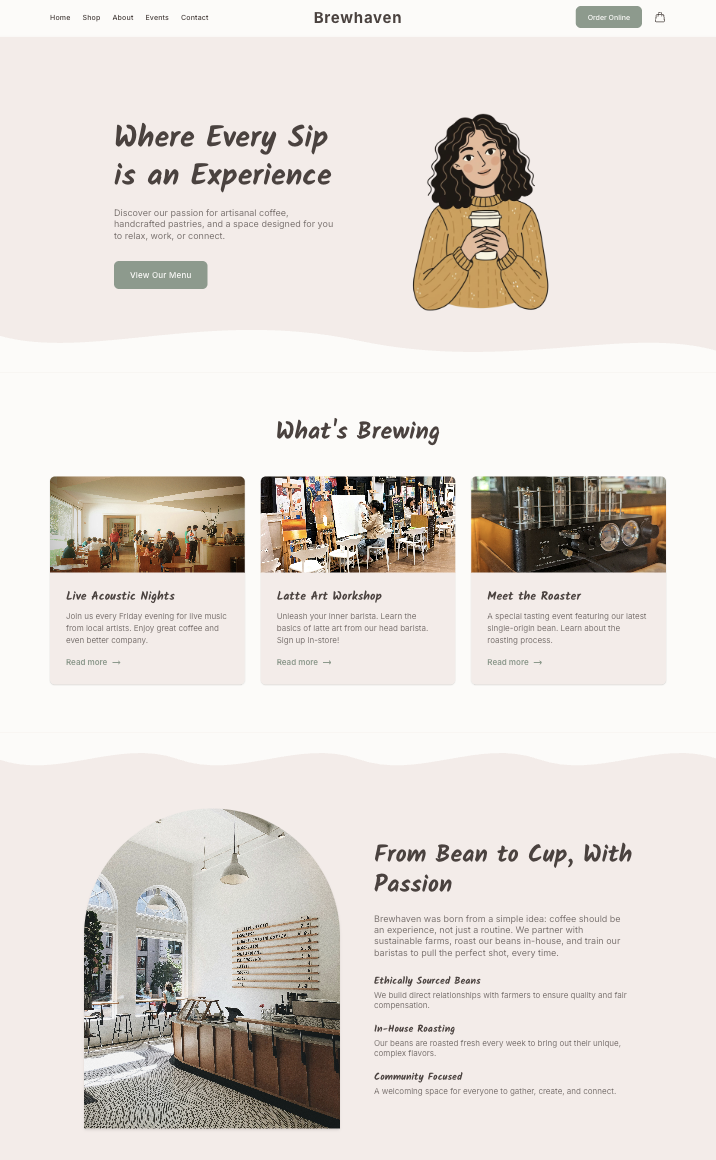
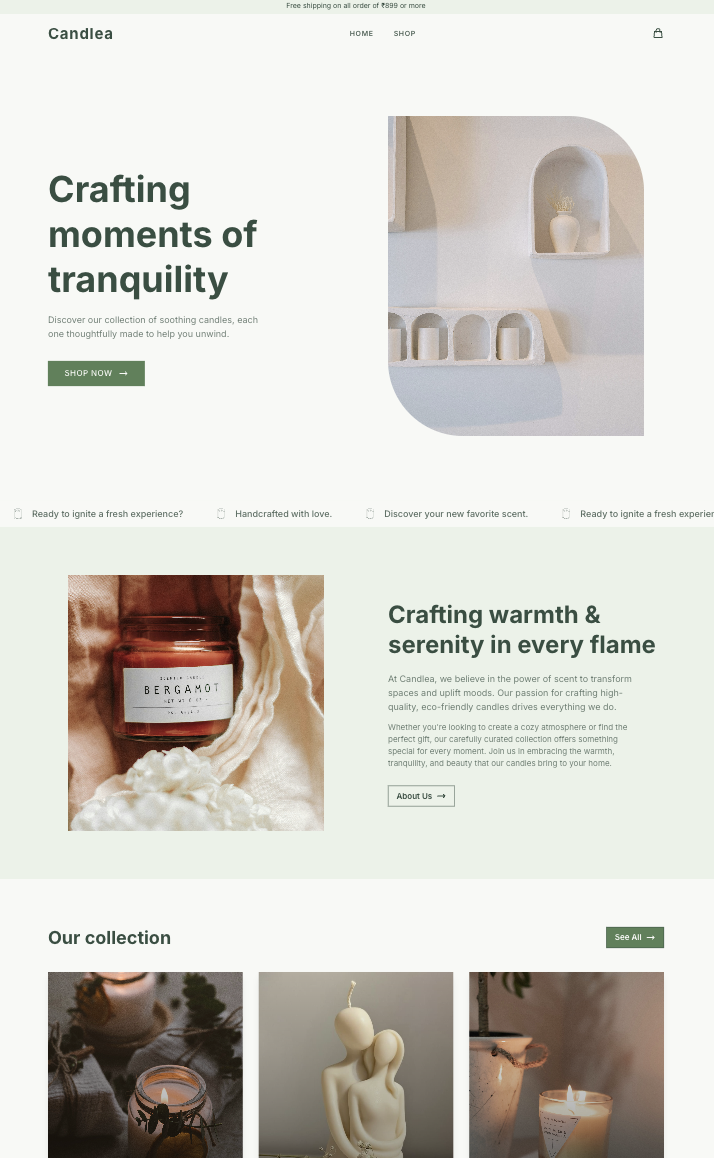
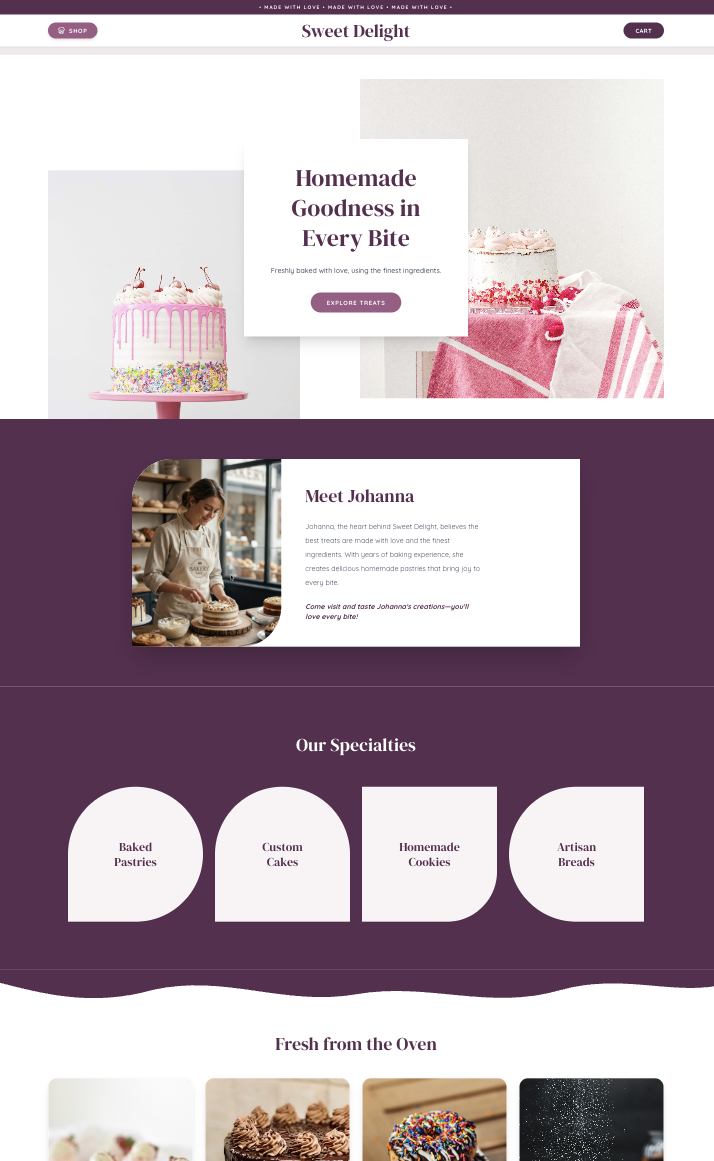
Templates are the secret weapon of modern web design. Instead of staring at a blank screen, you start with a proven, architecturally sound layout. However, a template is just a foundation. The real magic happens when you inject your unique brand personality into it.
How to customize your website template
Choose your template
Pick one that fits your niche and content style from our vast library.
Edit website content
Replace placeholder text with your brand messaging and clear calls to action.
Update images and videos
Use high quality photos, graphics or videos that reflect your brand identity.
Adjust colors & fonts
Align with your brand palette and typography for a consistent look people will recognize.
Rearrange layouts
Move sections, columns and elements to suit your specific content hierarchy.
Add functionality
Include features like contact forms, social links, online scheduling or eCommerce tools.
Optimize for mobile
Check each page of your template on a phone and make sure buttons are easy to tap.
Test & preview site
Check every page before publishing to make sure everything works seamlessly.
03. Adding essential features and tools
A beautiful design is only half the battle. Your website needs to actively work for your business. This means integrating the right tools to capture leads, process sales, and analyze visitor behavior. With Bizvistar, expanding your site functionality is as easy as flipping a switch.
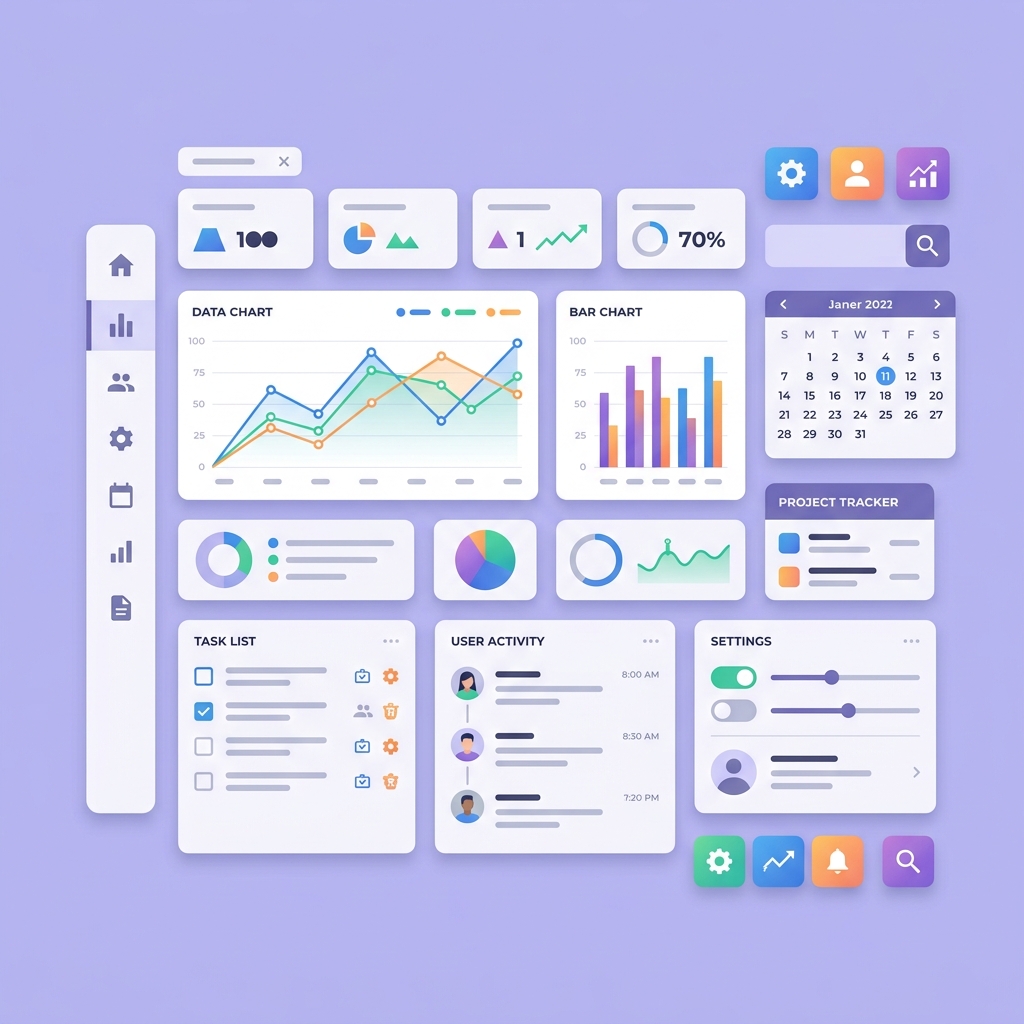
If you are selling products, you will want to activate our native ecommerce suite. This instantly provides secure checkout flows, dynamic shipping calculators, and inventory management. For service based businesses, integrating booking calendars and automated email capture forms is essential for converting traffic into paying clients.
- ✓
Payment Gateways: Seamlessly accept credit cards, UPI, and net banking with built in secure integrations.
- ✓
Lead Capture Forms: Build custom forms to collect visitor information directly into your CRM.
- ✓
Analytics Dashboard: Track page views, bounce rates, and traffic sources directly from your admin panel.

Launch Your Dream Site Today
With Bizvistar, you are in complete control of your website. Update text, change images, and launch new products instantly.
Start Building Free04. Launching and maintaining your site
The moments before you hit publish are crucial. Always conduct a thorough review of your live preview. Click every link, submit every form, and test the checkout process to ensure a frictionless experience for your future customers. Double check your mobile layout, as the majority of your traffic will likely come from smartphones.
Once you go live, the work does not stop. A successful website is a living digital document. You should regularly review your analytics dashboard to understand how users interact with your content. Update your product imagery, refine your copywriting based on conversion data, and consistently publish new content to keep search engines engaged.
Fortunately, maintaining a Bizvistar site is effortless. Technical maintenance, server security, and software updates are handled automatically by our engineering team. You simply focus on what matters most: growing your business and connecting with your audience.
05. SEO and Marketing Best Practices
Once your website is live, the next critical step is ensuring people can actually find it. Search Engine Optimization (SEO) is the process of improving your site visibility on search engines like Google. Bizvistar comes packed with built in tools to give you a massive head start.
Begin by customizing your meta titles and descriptions for every page. These are the snippets of text that appear in search results. Ensure you use relevant keywords that your target audience is actively searching for. Additionally, structure your content with clear H1, H2, and H3 headings to help search engines understand the hierarchy of your information.
Pro Tip: Image Optimization
"Always compress your images before uploading them. Large image files drastically slow down your page load times, which frustrates visitors and acts as a major negative ranking factor for Google's algorithm. Keep files under 200KB whenever possible!"
Building a website FAQ
No. Modern platforms like Bizvistar use intuitive drag and drop editors, meaning you can build a professional website entirely without touching a single line of code.
If you use a template and have your content ready, you can build and launch a fully functional website in just a few hours. Custom coding would typically take weeks or months.
Yes, securing your domain name early is highly recommended to protect your brand identity. You can easily connect it to your Bizvistar site whenever you are ready.
Yes, all Bizvistar plans include premium, secure cloud hosting. You do not need to purchase or manage external hosting providers.
Absolutely. You can easily add ecommerce functionality to your site, allowing you to process payments, manage inventory, and sell physical or digital products globally.
Yes, all Bizvistar templates are automatically optimized for mobile devices, ensuring your site looks perfect on screens of any size.